How to Overcome Zoom's 40-Minute Limit: 4 Practical Workarounds
Because the 40-minute time limit for free Zoom accounts is fixed within the system, there are no "bypass programs" or "tricks" to forcibly extend the time in a single meeting room without paying. The special events or specific email benefits that were occasionally offered in the past have all been discontinued.
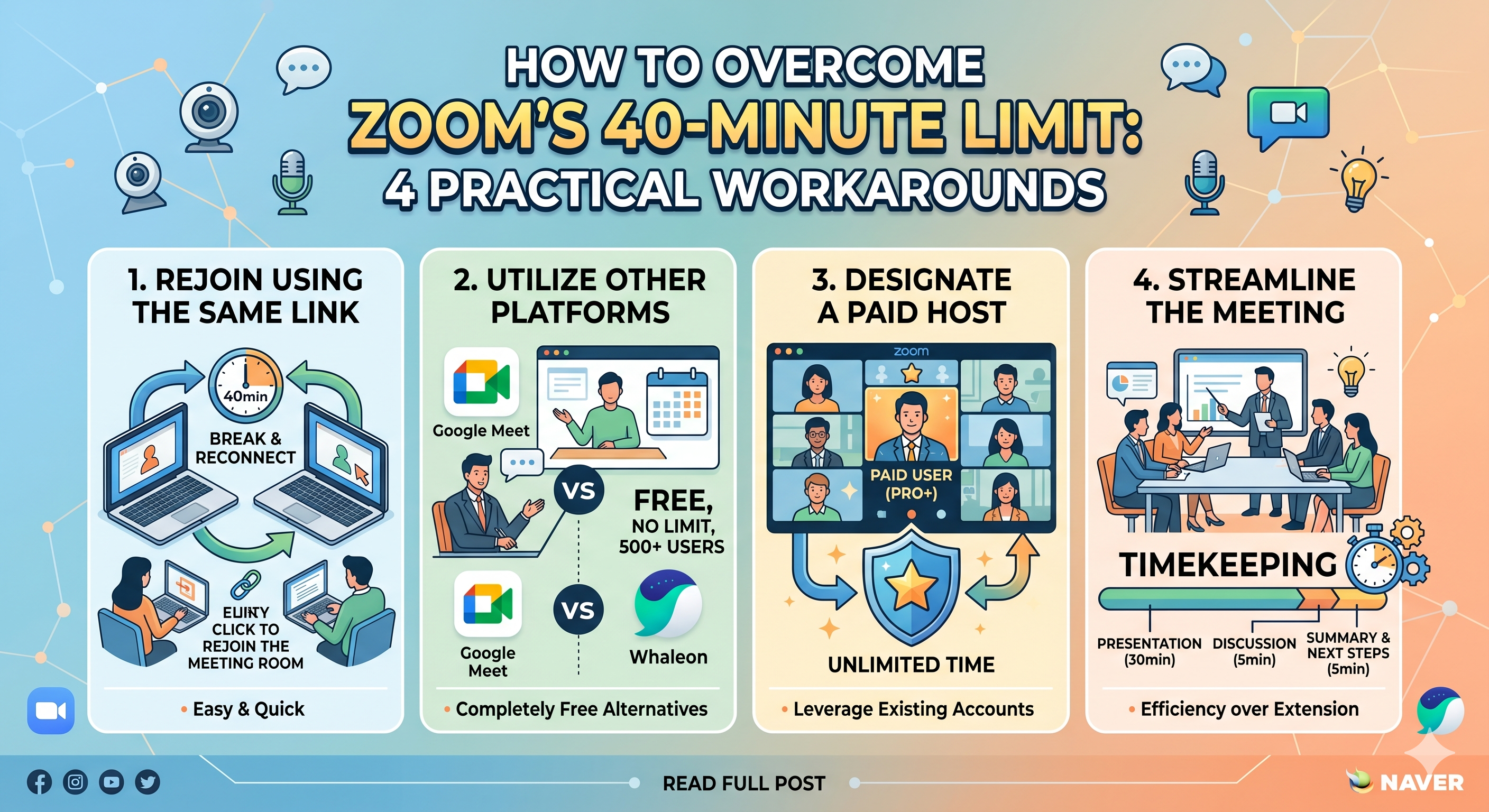
Therefore, to deal with the 40-minute limit while keeping a free account, you must change how you run your meetings or utilize alternatives that fit your situation. Here are four practical workarounds most commonly used in practice:
1. Rejoin Using the Same Link (Most Common Method) Even if the meeting ends automatically after 40 minutes, the existing meeting link (or meeting ID) remains active.
- Solution: Before the meeting starts, notify participants in advance: "Due to the nature of the free account, the room will close once after 40 minutes. Please don't panic and simply click the link you just used to rejoin."
- Pros: There is no need to create a new room and send a new link, so reconnecting takes only 1-2 minutes.
- Cons: The flow is interrupted once, making it unsuitable for formal business meetings or large-scale lectures where focus is crucial.
2. Utilize Other Platforms like Google Meet If you need to conduct a long meeting without the pressure of a time limit, it is best to switch to another video conferencing platform that is completely free or has a more generous time limit.
- Google Meet: Anyone with a Google account can set up a meeting, and group meetings of 3 or more people are free for up to 60 minutes. (1:1 meetings are free for up to 24 hours.)
- Naver Whaleon: A video conferencing service provided by the Naver Whale browser. It is currently a great alternative in Korea, as it allows up to 500 participants to join completely free of charge with no time limit.
3. Designate a Paid Account Holder as the Host If the person creating the room (the host) is a paid account user (Pro or higher), the meeting can run indefinitely without a time limit, even if all other participants use free accounts.
- Solution: If one of the attendees has a corporate or institutional paid account, ask them to create the meeting room. Once created, they can transfer the 'host privileges' to you to lead the meeting.
4. Streamline the Meeting Process (Timekeeping) This is a method of using the 40-minute limit as a tool to actually improve meeting efficiency.
- Solution: Structure a tight meeting timeline with 30 minutes for presentation and discussion, and 5 minutes for summarizing and setting the next steps. Treat the moment the room closes after 40 minutes as a natural 'break time,' and if necessary, reconvene 10 minutes later.
Summary: For casual communication or study groups, the simplest method is to "rejoin using the same link." However, if you want to avoid interruptions and need a lengthy conversation, we recommend switching to alternative platforms like Google Meet or Naver Whaleon.