Complete Guide: Backing Up Galaxy S25 Voice Recording Folders to USB-C

Samsung Galaxy S25 users often handle critical audio data, from professional meeting minutes to academic lectures. While cloud services are common, direct backup to a USB-C flash drive remains the most secure, cost-effective, and high-speed method for data preservation.
This guide provides a technical yet accessible walkthrough for managing your voice recording folders using OTG (On-The-Go) technology.
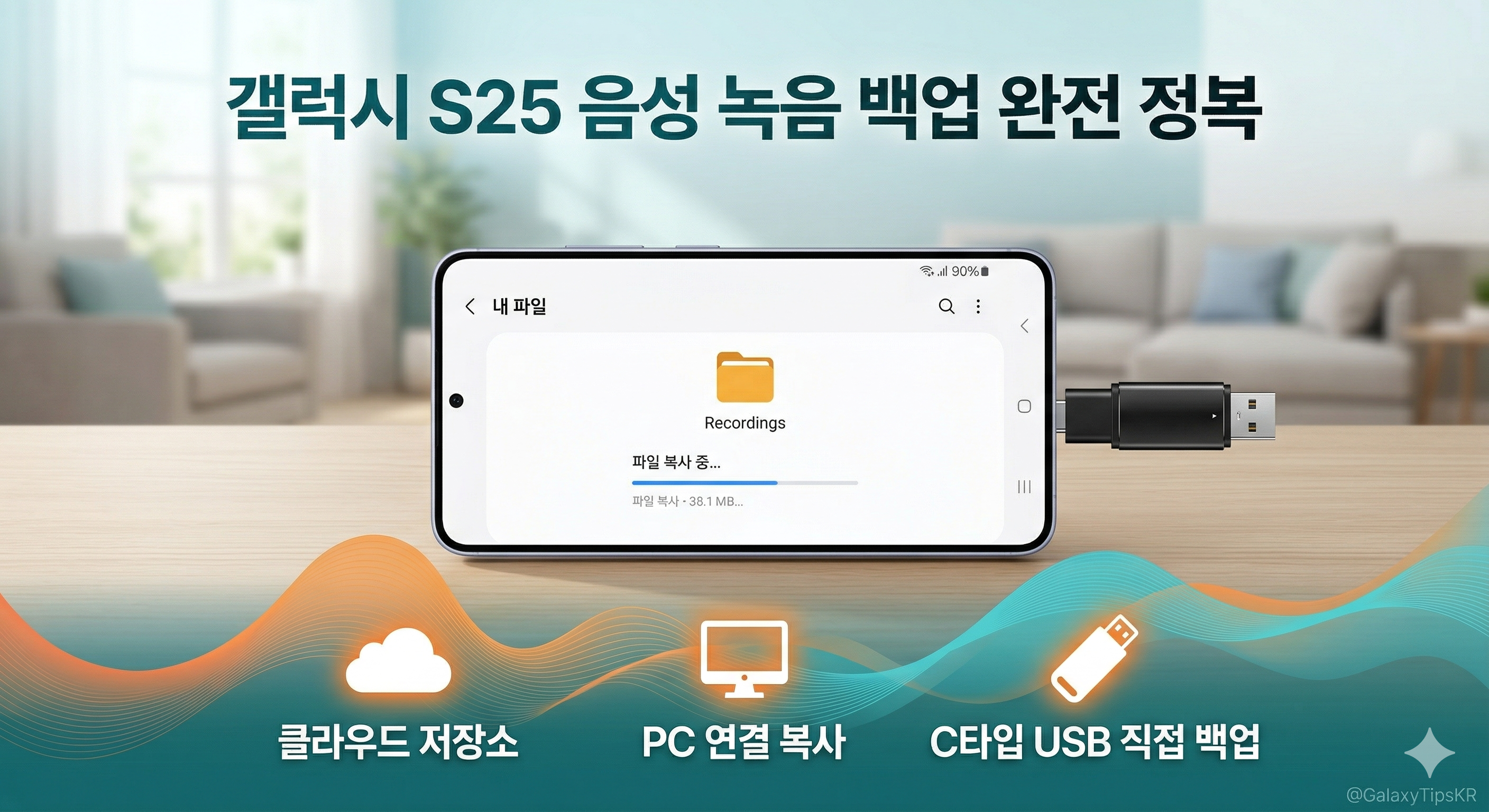
1. Requirements for a Successful Backup
To ensure seamless data transfer and file integrity, verify the following specifications:
- Hardware: A USB-C OTG flash drive or a standard USB drive with a high-quality USB-C adapter.
- File System: The Galaxy S25 recognizes FAT32 and exFAT. Use exFAT if you have individual recording files larger than 4GB.
- Power: Maintain at least 30% battery to prevent any write-errors during long transfer sessions.
2. How to Connect the USB-C Drive to Galaxy S25
- Physical Link: Plug the USB-C drive into the port at the base of your Galaxy S25.
- Verification: Swipe down from the top of the screen to open the notification shade. Look for the message "USB storage added".
- Access: Open the [My Files] app, which is the default file management tool for Samsung Galaxy devices.
3. Step-by-Step Folder Backup Instructions
Follow these steps to migrate your recording folders from internal storage to your external drive:
Phase 1: Locate the Source Folders
Within the [My Files] app, navigate to:
Internal Storage > Recordings > Voice Recorder
All system-generated voice recordings and custom sub-folders are stored in this directory.
Phase 2: Selection and Copying
- Long-press a folder to enter selection mode.
- Select all folders you wish to archive.
- Tap [Copy] at the bottom of the interface.
- Note: Using 'Copy' instead of 'Move' is a safety best practice to ensure no data is lost if the transfer is interrupted.
Phase 3: Destination Routing
- Navigate back to the main screen of [My Files].
- Select [USB Storage 1] under the Storage heading.
- (Optional) Tap the three-dot menu (top right) and select [Create folder] to organize your backups by year or project (e.g., "Voice_Archive_2026").
Phase 4: Finalizing the Transfer
- Enter your target folder on the USB drive.
- Tap [Copy here] at the bottom right. A progress bar will indicate the status of the transfer.
4. Resolving Connection and Recognition Issues
If the USB drive is not detected by your Galaxy S25, consider these common fixes:
- Case Interference: Ensure the USB-C connector is fully seated. Some protective cases are too thick for a flush connection.
- Format Incompatibility: If the drive was previously used on a Windows PC with NTFS, it may not show up. Reformat the drive to exFAT for universal compatibility.
- Port Maintenance: Check the USB-C port for pocket lint or dust, which can hinder data pins from making contact.
5. Critical Step: Safe Hardware Removal
To prevent data corruption or "raw drive" errors, you must software-eject the drive before pulling it out:
- In the [My Files] app, find [USB Storage 1].
- Tap the three-dot icon located next to the storage name.
- Select [Unmount].
- Wait for the "USB storage unmounted" toast message before physically removing the device.
6. USB-C Backup vs. Cloud Storage
| Feature | USB-C OTG Backup | Cloud (OneDrive/Google) |
| Data Speed | Instant local transfer | Limited by upload bandwidth |
| Privacy | 100% Offline | Subject to server-side terms |
| Reliability | Works without internet | Requires stable connection |
| Subscription | No recurring costs | Often requires monthly fees |
Expert Recommendation for Data Safety
For maximum security, implement the 3-2-1 Strategy: Keep 3 total copies of your recordings, on 2 different local media (Phone + USB-C Drive), with 1 copy stored in a secondary location (PC or Cloud). This ensures that even if one device fails, your voice records remain intact.
샌디스크 USB 메모리 울트라 듀얼 드라이브 럭스 Type-C OTG USB 3.2 SDDDC4 1TB - USB메모리 | 쿠팡
현재 별점 4.7점, 리뷰 7978개를 가진 샌디스크 USB 메모리 울트라 듀얼 드라이브 럭스 Type-C OTG USB 3.2 SDDDC4 1TB! 지금 쿠팡에서 더 저렴하고 다양한 USB메모리 제품들을 확인해보세요.
www.coupang.com
As a Coupang Partner, I earn a small commission from qualifying purchases made through this post.